
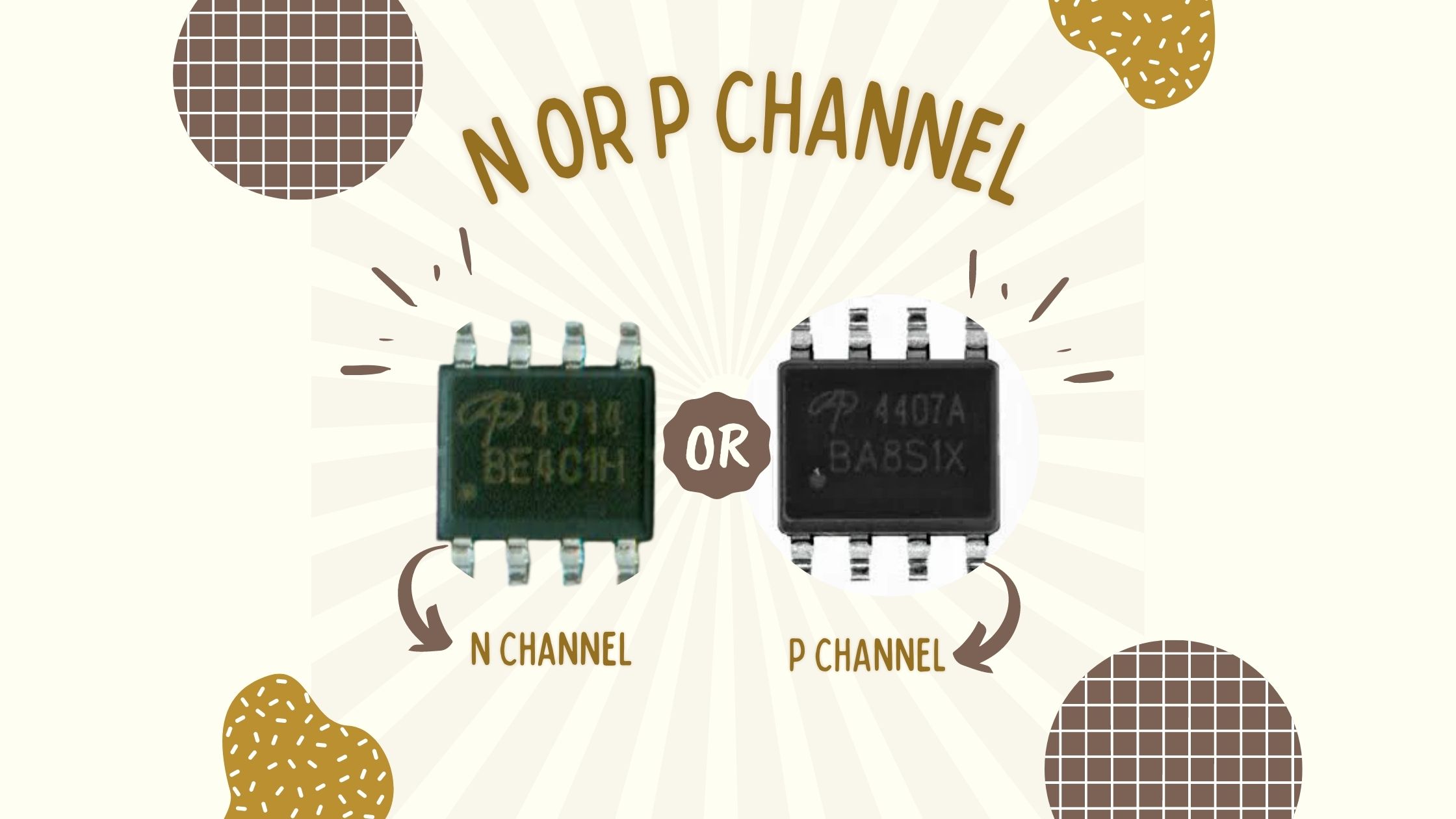
It is a very tricky part for many of us to recognize which mosfet is a p channel and which mosfet is a p channel. we are
going to see how to identify which mosfet is n channel and which is n channel using the simple method which is by seeing markings on mosfet.
The ending code over marking gives us an idea about which mosfet is the n channel and which mosfet is p channel.
Process for checking the mosfet for N-channel or P-channel with examples

Firstly, the n channel mosfets end with an even number like 0,2,4,8.
Secondly, the p channel mosfets code end with even numbers like 1,3,5,7,9.
Check your mosfet to know which kind of mosfet you have or want to replace. Mosfet replacing is the must-do process when mosfet is burnt or damaged internally.
Let’s see by examples
- Mosfet with code on it as – 7002
This is n-channel mosfet because the the code on the mosfet ends with even number which is 2. - Mosfet with code on it as – P4828 BA9A52
This is n-channel mosfet because the code on the mosfet ends with even number which is 8. - Mosfet with code on it as – P7410 BA1T9Z
This is n-channel mosfet because the code on the mosfet ends with even number which is 0. - Mosfet with code on it as – PD442 HL5FG
This is n-channel mosfet because the code on the mosfet ends with even number which is 2. - Mosfet with code on it as – P4914 BE4C1H
This is n-channel mosfet because the code on the mosfet ends with even number which is 4. - Mosfet with code on it as – fP636 FFDS 8958A
This is n-channel mosfet because the code on the mosfet ends with even number which is 6. - Mosfet with code on it as – fBE36 BS170
This is n-channel mosfet because the code on the mosfet ends with even number which is 6. - Mosfet with code on it as – fBE36 BS170
This is n-channel mosfet because the code on the mosfet ends with even number which is 6. - Mosfet with code on it as – A19T
This is p-channel mosfet because the code on the mosfet ends with odd number which is 9. - Mosfet with code on it as – P4433 BA8N42
This is p-channel mosfet because the code on the mosfet ends with odd number which is 3. - Mosfet with code on it as – P4407A BA8S1X
This is p-channel mosfet because the code on the mosfet ends with odd number which is 7. - Mosfet with code on it as – P4435 DA8S1A
This is p-channel mosfet because the code on the mosfet ends with odd number which is 5. - Mosfet with code on it as – PA380N03 16113TD
This is p-channel mosfet because the code on the mosfet ends with odd number which is 3. - Mosfet with code on it as – 8205
This is p-channel mosfet because the code on the mosfet ends with odd number which is 5. - Mosfet with code on it as – M8725 PNE2 1420
This is p-channel mosfet because the code on the mosfet ends with odd number which is 5. - Mosfet with code on it as – P4805 BE6N50
This is p-channel mosfet because the code on the mosfet ends with odd number which is 5.