BLUE SCREEN OF DEATH (BSOD)

SYSTEM FAILURE STATUS QUICK FAILURE MATRIX SYMPTOM MOST LIKELY ISSUE PRIORITY Blue screen after update Windows Update Medium Random BSOD during gaming RAM / GPU High Green screen crash Driver issue Medium Frequent restart loop SSD / Windows corruption High BSOD during heavy load Overheating Medium MAIN DIAGNOSTIC FLOW COMMON FAILURE CAUSES SOFTWARE FAILURE PANEL … Read more

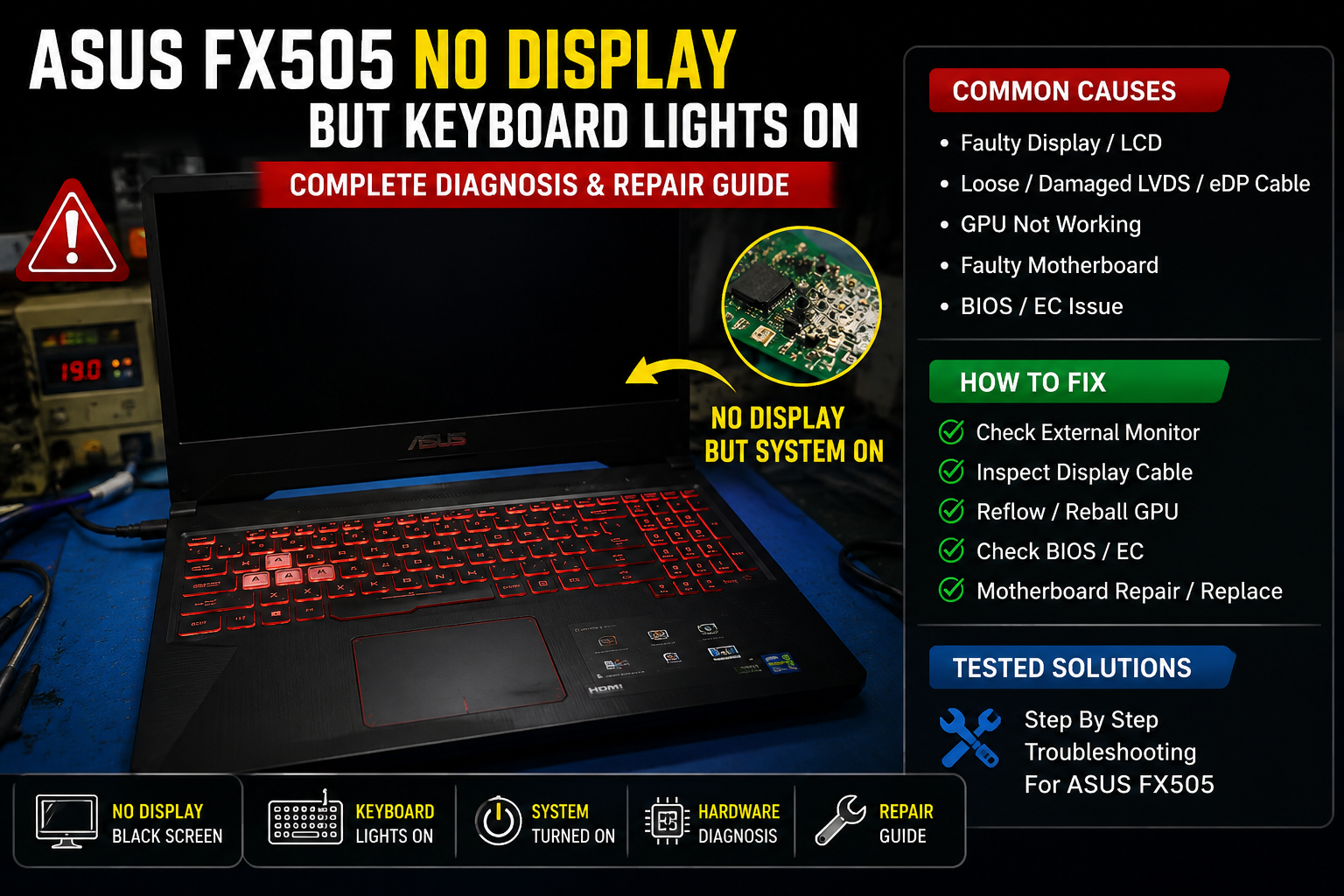
ASUS FX505 No Display But Keyboard Lights ON

No Display But Keyboard Lights ON

Introduction ASUS FX505 gaming laptops may power ON normally, but the screen remains completely black. Keyboard backlight turns ON, fans spin, and power LED is active — but there is no display or ASUS logo. This issue is commonly linked to RAM failure, BIOS corruption, GPU initialization failure, or display hardware faults. This guide provides … Read more

ASUS FX505 BIOS Recovery

Introduction ASUS FX505 gaming laptops may fail to boot properly after a failed BIOS update, corrupted firmware, sudden shutdown, overheating issue, or motherboard fault. In many cases, the laptop becomes stuck on the ASUS logo, enters a continuous boot loop, or powers ON with a completely black screen. This ASUS FX505 BIOS recovery guide explains … Read more

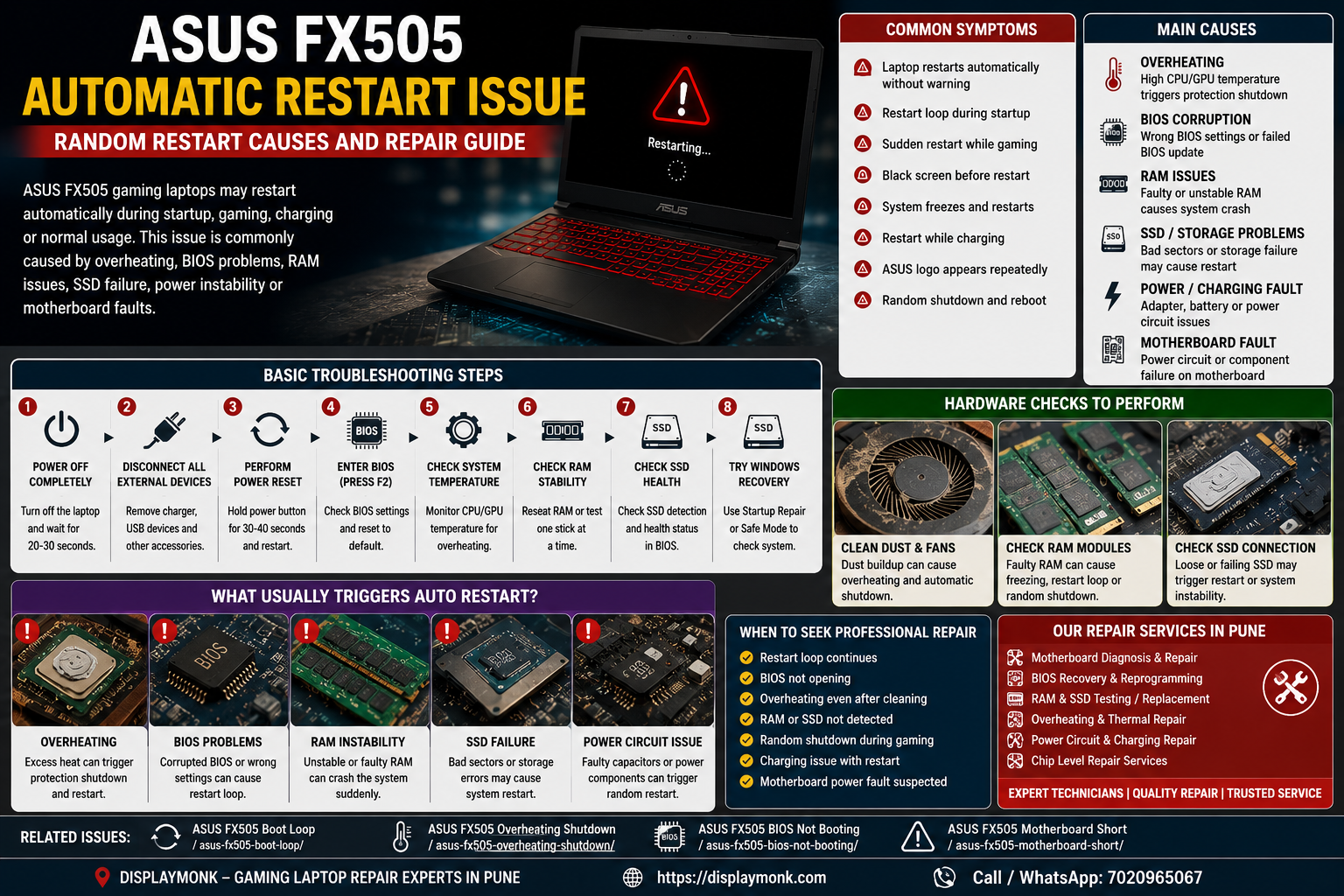
ASUS FX505 Automatic Restart Issue – Causes, Symptoms & Fix Guide

ASUS FX505 Automatic Restart Issue

ASUS FX505 gaming laptops may sometimes restart automatically during startup, gaming, charging, or normal usage without showing a proper error message. In many cases, the laptop powers ON normally but suddenly shuts down and restarts repeatedly, making the system unstable and difficult to use. This issue is commonly related to overheating, BIOS instability, RAM problems, … Read more