

The CH341A BIOS programmer is one of the most affordable and widely used tools for reading and writing BIOS and EEPROM chips. Because of its low price, it is especially popular among beginners, hobbyists, and entry-level laptop repair technicians. We are providing Ch341a AsProgrammer Programmer latest Software for it.
What Is the CH341A BIOS Programmer?
The CH341A is a USB-based programmer mainly used for:
- Laptop and desktop BIOS flashing
- EEPROM programming (24-series I2C chips)
- SPI flash programming (25-series chips)
- Basic router firmware recovery
CH341A vs RT809F: Quick Comparison
Many beginners compare the CH341A with professional programmers like RT809F.
- CH341A: Low cost, simple, suitable for beginners
- RT809F: Expensive, faster, wider chip support, professional use
Understanding the CH341A ZIF Socket Layout

The CH341A has a 16-pin ZIF socket divided into two sections:
- 24-series EEPROMs: Place towards the handle side
- 25-series SPI chips: Place towards the USB side
Pin 1 Orientation (Very Important)
The Pin 1 of the IC must always face the handle side of the programmer. Pin 1 is usually marked by a dot or notch. Incorrect orientation can permanently damage the chip.
Jumper Requirement
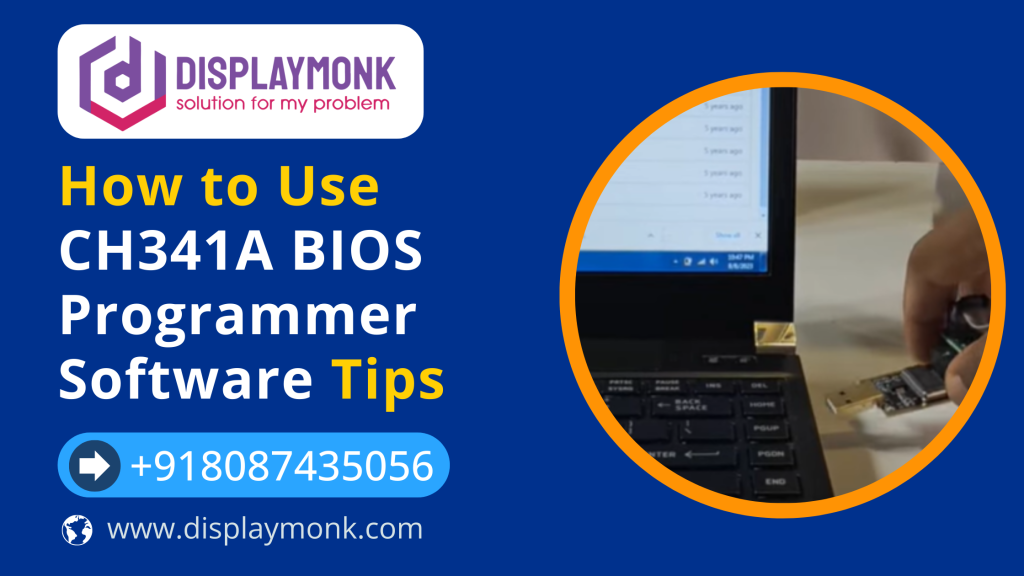
The small jumper on the CH341A must be placed between pins 1 and 2 for proper USB communication. Without the jumper, the programmer may not work.
Using Converters and SOP8 Clips
Why Converters Are Needed
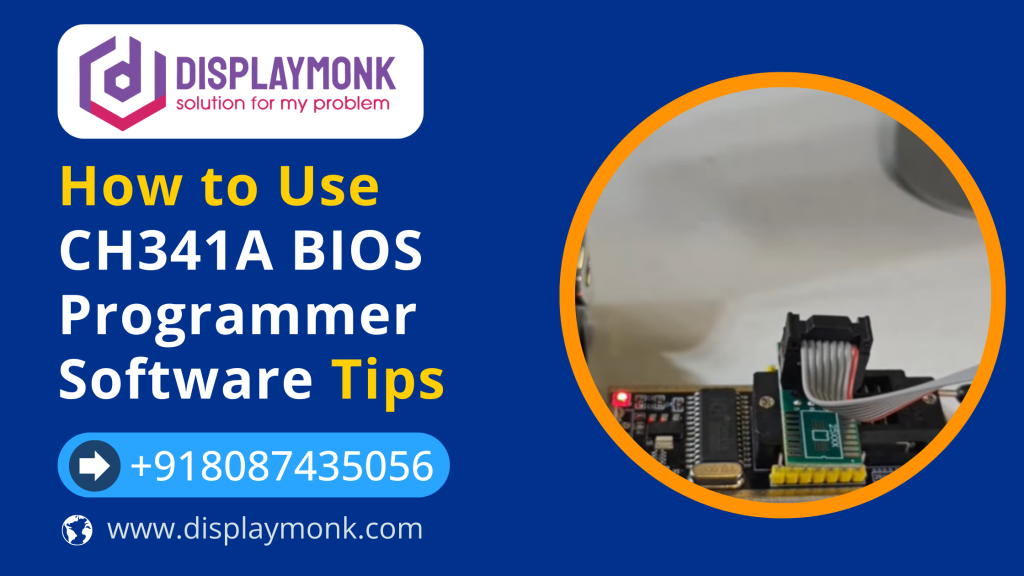
Most 25-series BIOS chips are SMD chips. To program them, you need a 150 mil or 200 mil converter. Most laptop BIOS chips require a 200 mil converter.
Using SOP8 Clip
An SOP8 clip allows in-circuit programming without desoldering the chip. The red wire on the clip indicates Pin 1 and must match the chip’s Pin 1.
CH341A Software Setup
After connecting the programmer, check Device Manager for “CH341”. If it is not visible, install the driver before launching the programming software.
Programming Steps

- Detect the chip (25-series may auto-detect)
- Read and backup the original BIOS (never skip)
- Load the new BIOS file
- Write and verify the data
Common Beginner Mistakes
- Skipping BIOS backup
- Wrong chip orientation
- Incorrect mil converter
- Missing jumper
Is It Possible to Program the EC Using CH341A?
In most cases, no. Embedded Controller (EC) chips usually require dedicated tools or ISP methods. CH341A is mainly designed for BIOS and EEPROM programming.
Author Experience & Trust
This guide is based on hands-on learning with entry-level BIOS programmers like the CH341A while working on laptop and desktop motherboards. Common beginner issues such as incorrect chip placement, missing backups, and wrong converter usage were frequently encountered. The goal of this article is to help beginners avoid hardware damage and understand the real limitations of low-cost programmers.
Frequently Asked Questions
Is CH341A BIOS programmer good for beginners?
Yes, it is affordable and supports common BIOS and EEPROM chips.
Can CH341A program laptop BIOS chips?
Yes, it can program many 25-series SPI BIOS chips.
Does CH341A support 1.8V BIOS chips?
Only with a proper 1.8V adapter.
Can CH341A program EC chips?
No, EC chips usually require dedicated programming tools.
Final Thoughts
The CH341A BIOS programmer proves that low-cost tools can still be effective when used correctly. With proper orientation, backups, and patience, it is a reliable learning tool for BIOS and EEPROM flashing.
Software Download File for CH341A BIOS Programmer
CH341PAR.ZIP and CH341SER.ZIP are drivers files for windows 10 and windows 11. You can download it from below.
Related Guides & Resources on DisplayMonk
If you are working with BIOS programmers like CH341A or learning motherboard repair, the following DisplayMonk resources can help you go deeper:
- Free Laptop & Desktop Schematics Download – Download motherboard schematics and boardview files useful for BIOS and chip-level repair.
- ch341a BIOS Programming Tutorials – Step-by-step guides for BIOS flashing, EEPROM programming, and firmware recovery.
- Laptop Motherboard Repair Guides – Learn diagnostics, common faults, and motherboard repair techniques.
- DisplayMonk Electronics Repair Components – Browse all repair-focused articles, tools, and learning resources.